
Learning how to use mobile apps becomes much easier when you understand where important settings are located, what each option actually changes, and how to troubleshoot problems when an app does not behave as expected. Most modern Android and iPhone apps provide powerful features beyond their basic functions, but many of those features remain unused …
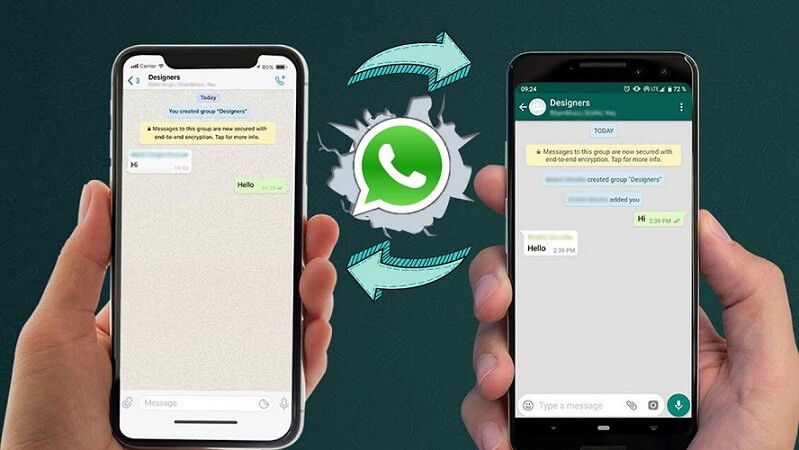
Switching from Android to iOS is exciting, but WhatsApp poses a frustrating technical hurdle: Apple’s official transfer tool (“Move to iOS”) forces a complete factory reset of your target iPhone. If your iPhone is already set up and full of apps, photos, and messages, wiping it clean is an unreasonable compromise. In my testing, I …

Choosing your first AI content writing tool often comes down to two major contenders: OpenAI’s ChatGPT and Anthropic’s Claude. While both platforms generate impressive text, their underlying architectures, tone defaults, context windows, and feature sets create wildly different writing workflows. As a technical content strategist, I spent three months testing both tools across dozens of …
Running out of storage on an Android phone can be frustrating, especially when the warning appears even though you do not feel like you have many files saved. Apps can quietly build up temporary files, downloaded content, cached images, offline data, and other stored information over time. The good news is that freeing up space …
Apps have become part of almost every area of daily life. People use them to communicate with family, manage work, watch videos, shop online, navigate unfamiliar places, store photographs, pay bills, and organise their schedules. Yet having an app installed does not always mean knowing how to use it properly. A new user may wonder …
Introduction Keeping track of ideas, shopping lists, appointments, and daily tasks can quickly become overwhelming. Many people switch between notebooks, sticky notes, messaging apps, and calendars, only to forget where they saved important information. A simple note-taking system can make daily life much easier. Google Keep is a free note-taking application that helps you capture …
Introduction Google Drive makes it easy to store documents, spreadsheets, presentations, photos, PDFs, and many other types of files in one place. As your collection grows, however, finding the right file can become frustrating. A cluttered Drive filled with inconsistent folder names, duplicate files, and outdated documents wastes time and makes collaboration more difficult. Fortunately, …
Understanding Apps and How They Make Daily Tasks Easier Smartphone apps have become an important part of everyday life. People use apps for communication, banking, shopping, entertainment, learning, navigation, health tracking, and managing personal tasks. For beginners, using new apps can sometimes feel confusing because every app has different menus, settings, and features. The good …

Introduction Your iPhone is not just for calls, messages, photos, and social media. It can also help you stay organized every day. Two of the most useful built-in iOS apps are Notes and Reminders. Notes helps you save ideas, lists, documents, links, sketches, and important information. Reminders helps you remember tasks, appointments, bills, shopping items, …

Managing your money can be challenging, especially if you do not know where your money goes each month. Tracking expenses is a key step to understanding spending habits, saving more, and avoiding financial stress. Luckily, modern technology makes expense tracking easy: you can now do it directly on your phone using dedicated apps. This guide …